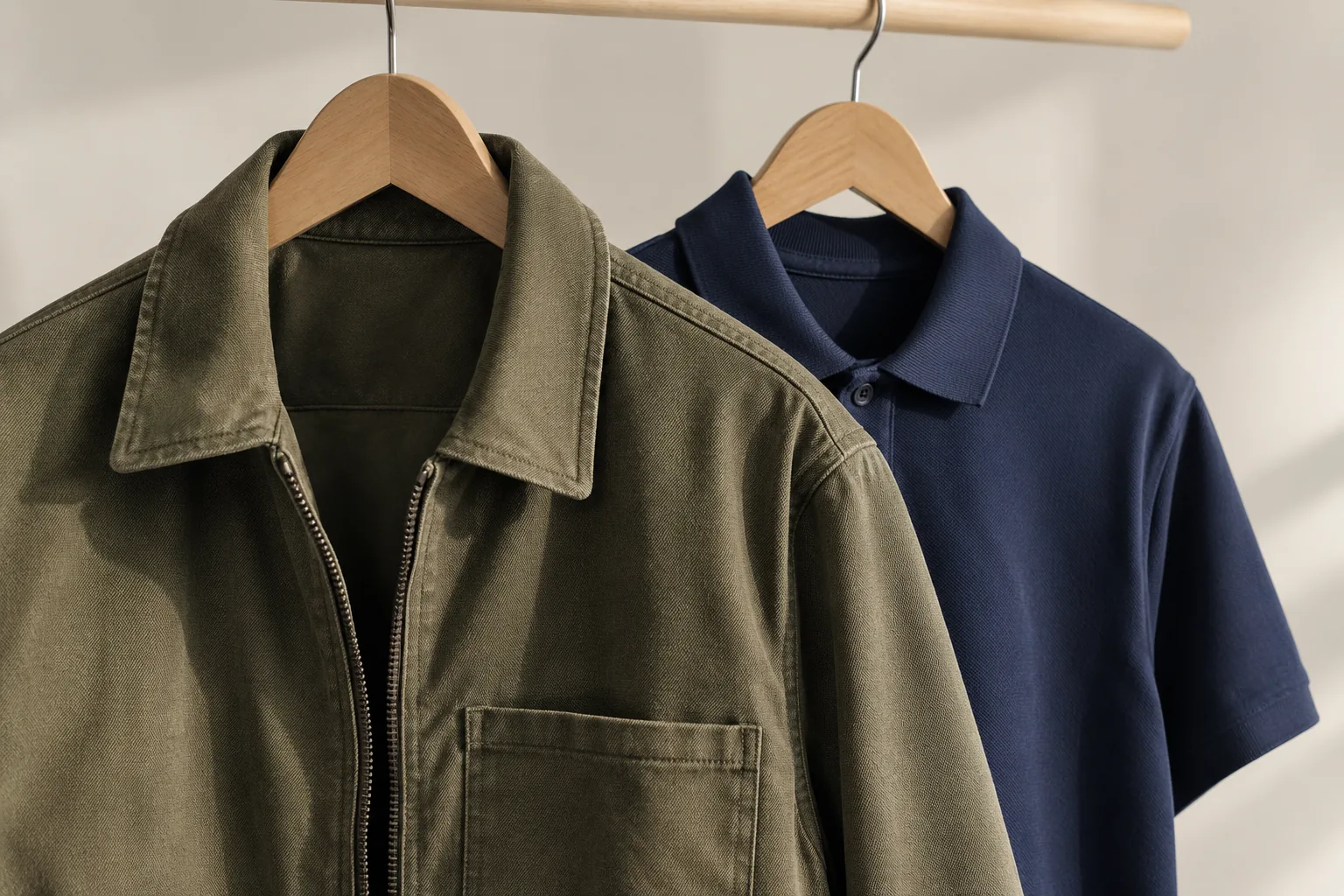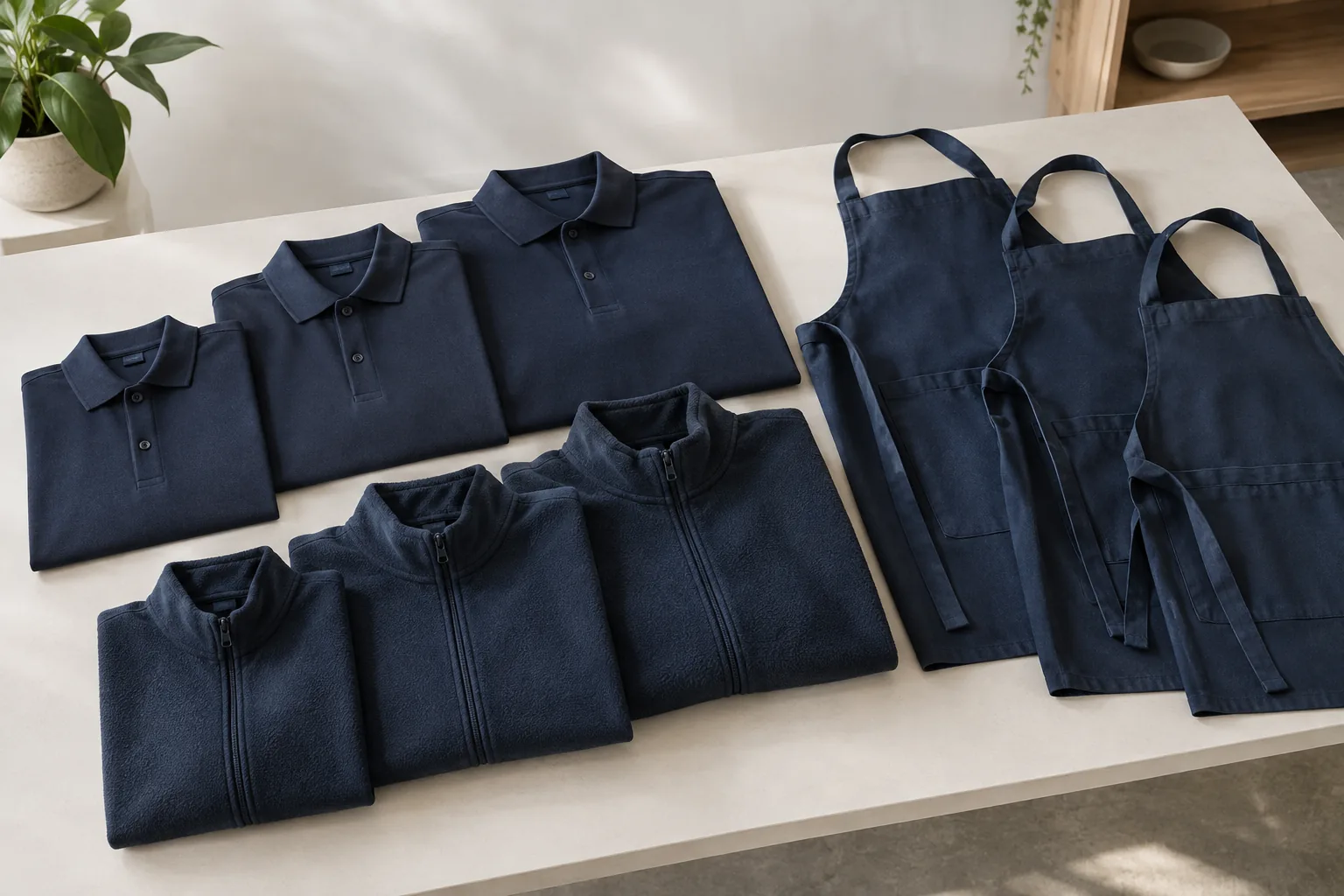
A team order is a collection of individual requirements. The common errors are usually small: a size copied from another style, a misspelt name, a spare counted twice or an old logo attached to one line. A single checked list makes these differences visible before they become clothing.
Separate people, garments and branding
Start with the garment reference and colour, then record the size, quantity and branding for that exact item. If an individual name or number changes, use a separate row. Avoid one free-text note such as “twenty polos, usual sizes, same names as before”; it leaves too much to interpretation.
Use a staff reference where practical. The order needs enough information to match the right garment and personalisation, but it does not need unnecessary personal details. Keep the internal staff list with the person managing the order and send only the information required for production or an agreed packing arrangement.
A worked example: six people, fourteen garments
Suppose six staff each need two polos, and two of those staff also need one sweatshirt. The order is twelve polos plus two sweatshirts: fourteen garments. The sweatshirt sizes must be checked against the sweatshirt chart rather than copied automatically from the polos.
If two spare polos are added, record them separately with no individual name. The final total becomes sixteen garments. This makes it easy to distinguish the staff allocation from spare stock, and avoids accidentally embroidering someone’s name on an item intended for a future starter.
| Allocation | Calculation | Quantity |
|---|---|---|
| Polos for six staff | 6 × 2 | 12 |
| Sweatshirts for two staff | 2 × 1 | 2 |
| Unpersonalised spare polos | 2 × 1 | 2 |
| Order total | 12 + 2 + 2 | 16 |
Get sizes from the right information
Give people the exact product chart, including whether it shows body or garment measurements. A medium in one style need not fit like a medium in another. Ask staff to consider normal base layers, movement and preferred fit. Where uncertainty is substantial, arrange appropriate samples before approving a large personalised order.
Do not use clothing sizes to infer anything about an employee. Offer the relevant fit options and a straightforward way to submit their selection privately. The person consolidating the order should record the choice, not make a guess based on appearance.
Treat names as artwork
Write every name, initial and number exactly as it should appear. Check accents, apostrophes, capital letters and any agreed naming convention. A spreadsheet entry can be technically correct but still differ from the person’s preferred name or the organisation’s uniform rules.
Have one nominated approver review the entire list. Mark the final file with a date or version, remove superseded copies from the active order conversation and keep the approved specification. A later email saying “use the new sheet” does not itself confirm that production has changed.
Plan packing and repeat orders explicitly
If you want garments grouped by team member or delivery location, state that requirement in the brief. Ask what allocation information and packing service can be supported, and confirm any charge or timing before relying on it. Individual names on garments and packing garments into named sets are separate requirements.
For regular new starters or repeat issues, consider a Company Store with an approved range. Keep garment references, artwork versions and positions consistent, while checking current stock and prices each time. The team-order worksheet is useful for a one-off allocation; a Company Store supports an ongoing ordering arrangement.
- Reconcile quantities by size and the overall total.
- Check every personalisation against the intended garment.
- Keep spares distinct from named staff kits.
- Confirm any member-by-member packing requirement.
- Approve one final version and retain it.
Your next step
Download the team-order worksheet, delete its example row and build one checked allocation list. Completing the worksheet does not place or amend an order.
Plan names and team sizesPut this guide to work
Use these planning documents to prepare your details. They do not submit an order or create a store.
Team size and quantity worksheet (CSV)Need a little more help?
Continue with the Guide or go straight to the team.